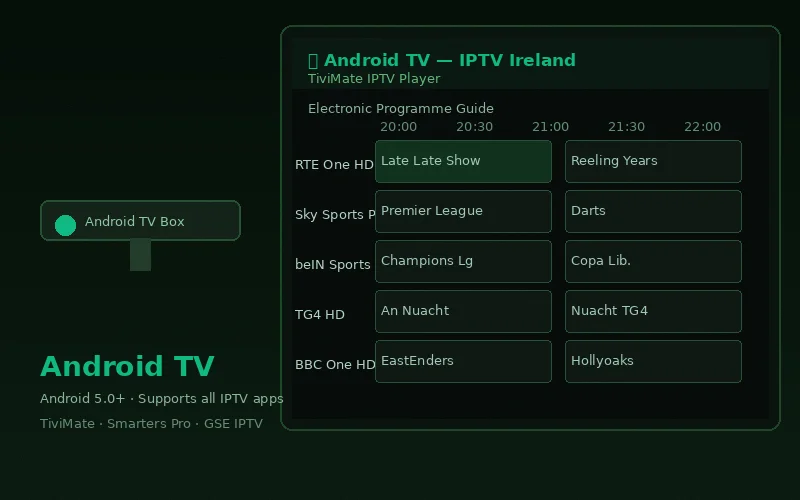
Android TV is one of the best platforms for IPTV streaming in Ireland because it supports the full range of IPTV applications including TiviMate — widely regarded as the best IPTV player available anywhere. This guide covers installation on every type of Android TV device available in Ireland.
Android TV Devices This Guide Covers
- Android TV boxes (Nvidia Shield, Mi Box, X96 series)
- Chromecast with Google TV (4K model)
- Sony Smart TVs (2019 onwards — Android TV and Google TV)
- Philips Smart TVs (Android TV models)
- TCL and Hisense Smart TVs (Android TV models)
- Any device running Android TV 5.0 or above
Method 1: TiviMate IPTV Player (Best EPG Experience)
TiviMate is the best IPTV player on Android TV for its superior electronic programme guide — displaying up to 14 days of schedule data with a visual channel grid that resembles a traditional TV guide. Free version available; companion app for advanced features.
Step-by-Step TiviMate Installation
- From your Android TV home screen, open Google Play Store
- Search for "TiviMate IPTV Player"
- Select the app by TiviMate and click Install
- Once installed, open TiviMate
- On the welcome screen, tap Add Playlist
- Select Xtream Codes API
- Enter your IPTV Ireland credentials:
- Server URL: (provided by IPTV Ireland via WhatsApp)
- Username: (your login username)
- Password: (your login password)
- Tap Next — TiviMate loads all channels and EPG data
- Name your playlist (e.g., "IPTV Ireland") and tap Add
- All 20,000+ channels are now available in your TiviMate library
Method 2: IPTV Smarters Pro
IPTV Smarters Pro is fully compatible with Android TV and provides a clean, familiar interface. It is the recommended app for users who want consistency across multiple device types (Android TV, iPhone, Firestick).
- Open Google Play Store on your Android TV
- Search for "IPTV Smarters Pro"
- Install and open the app
- Select Login with Xtream Codes API
- Enter your IPTV Ireland server URL, username and password
- Tap Add User — channels and VOD load automatically
For a full walkthrough of IPTV Smarters Pro setup, see our dedicated IPTV Smarters Pro setup guide.
Method 3: GSE Smart IPTV (Alternative)
GSE Smart IPTV is a flexible alternative that supports both M3U and Xtream Codes. Available free on Google Play Store.
- Install GSE Smart IPTV from Google Play Store
- Open the app and tap Remote Playlists
- Tap + and select Xtream Codes API
- Enter your IPTV Ireland credentials and tap Add
Optimising Android TV for IPTV Streaming
Network Connection
Connect your Android TV device via ethernet if possible. Android TV boxes typically have an ethernet port; use an ethernet cable from your router directly to the device for the most stable IPTV streams. If WiFi is your only option, use the 5GHz band and position your router within clear line-of-sight of the TV box.
Clearing Cache
If your IPTV app becomes slow after extended use, clear its cache: Settings → Apps → [Your IPTV App] → Clear Cache. This resolves most performance degradation without requiring a reinstall.
EPG Refresh
EPG data updates automatically in TiviMate. For manual refresh: Menu → Settings → EPG → Update EPG Now. This ensures schedule information is current for upcoming sporting events.
Android TV vs Firestick for IPTV
Both are excellent IPTV platforms. Android TV's advantage is TiviMate's superior EPG. Firestick's advantage is lower hardware cost (from €29.99) and the Amazon ecosystem. See our best devices for IPTV Ireland comparison for a detailed side-by-side evaluation.
As the leading IPTV Ireland Subscription service, we provide full support for Android TV setup via WhatsApp — send us a message and our team guides you through any step in real time.
Frequently Asked Questions
What is the best IPTV app for Android TV?
TiviMate provides the best EPG experience and is highly recommended for Android TV users. IPTV Smarters Pro is the best cross-platform option if you also use the same subscription on iPhone or other devices.
Does IPTV Ireland work with TiviMate on Android TV?
Yes. Enter your IPTV Ireland Xtream Codes credentials in TiviMate using the Xtream Codes API method. All 20,000+ channels and EPG data load automatically.
What Android TV version do I need for IPTV?
Android TV 5.0 (Lollipop) or above. All Android TV devices sold in Ireland from 2016 onwards meet this requirement. Check: Settings → About → Android Version on your device.
Conclusion
Installing IPTV on Android TV in Ireland takes under 10 minutes. TiviMate and IPTV Smarters Pro are both excellent choices — TiviMate for the best EPG, IPTV Smarters Pro for cross-device consistency. Get your credentials from our free 6-hour trial and follow the steps above. Our complete Android TV IPTV guide provides additional platform-specific detail.